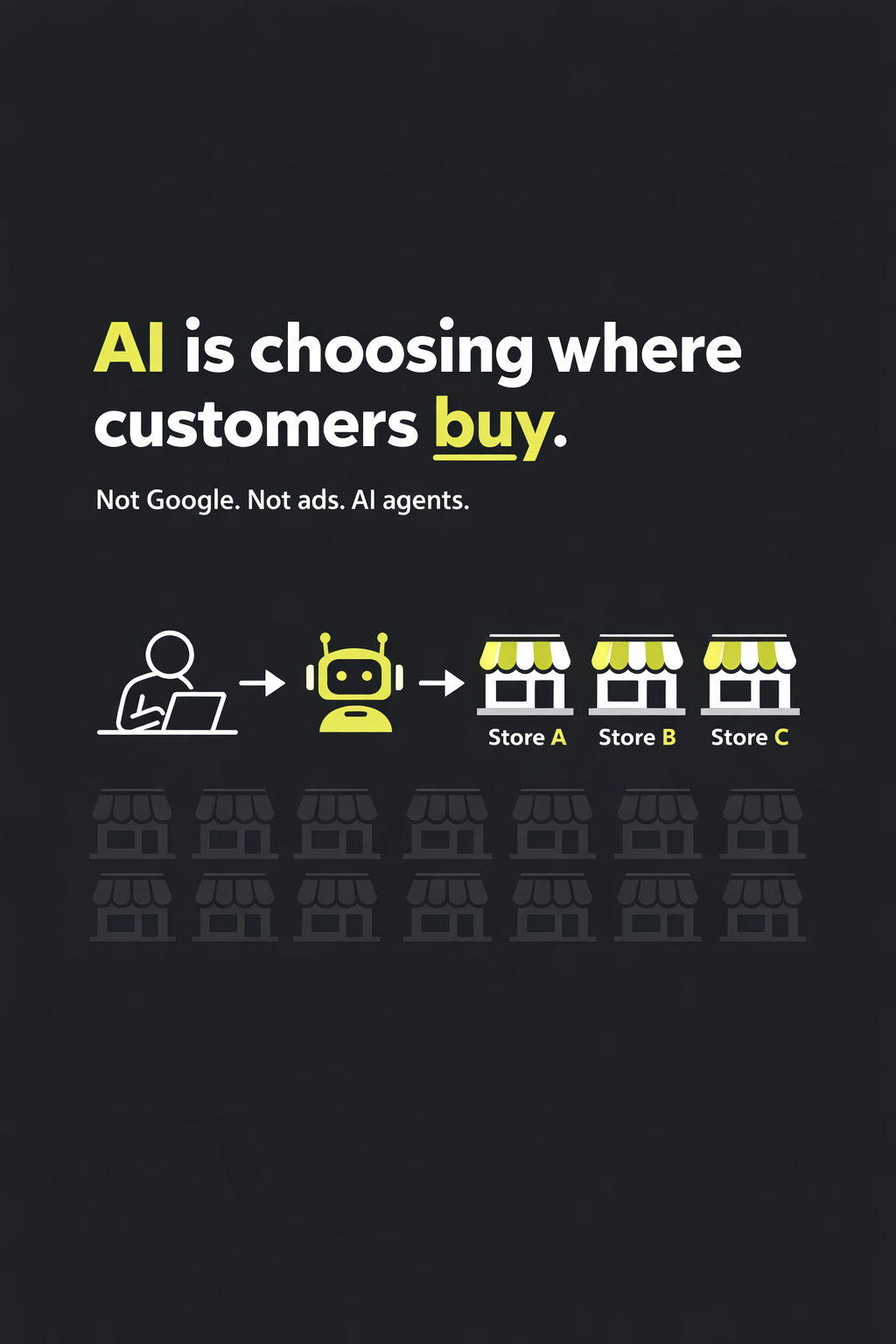
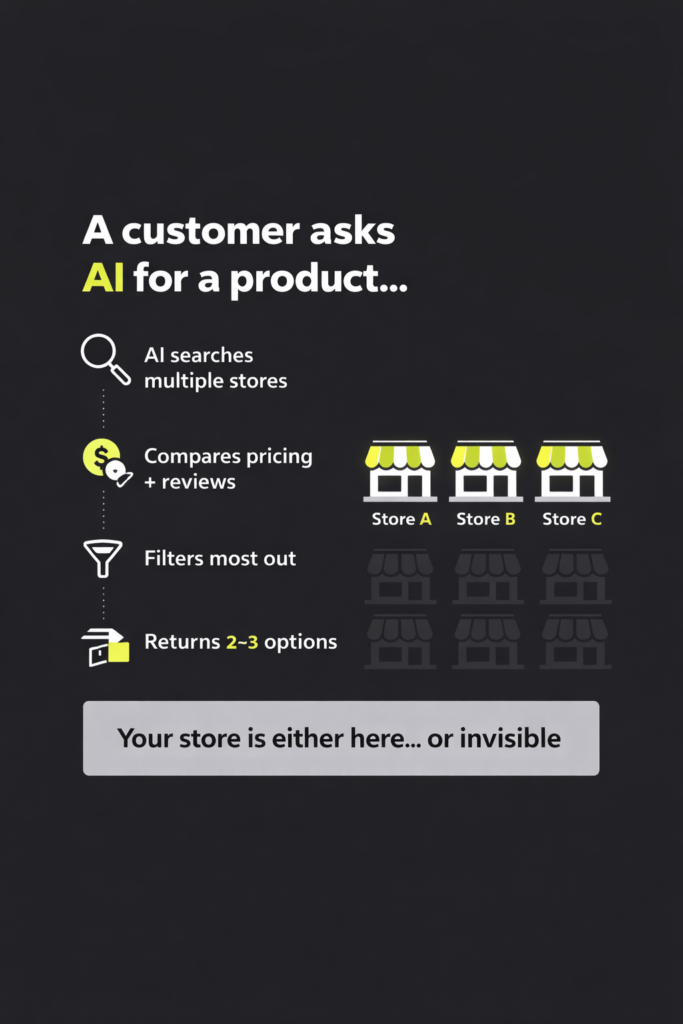
A customer opens ChatGPT and types: “Find me a packable rain jacket under $150 with good reviews and fast shipping.”
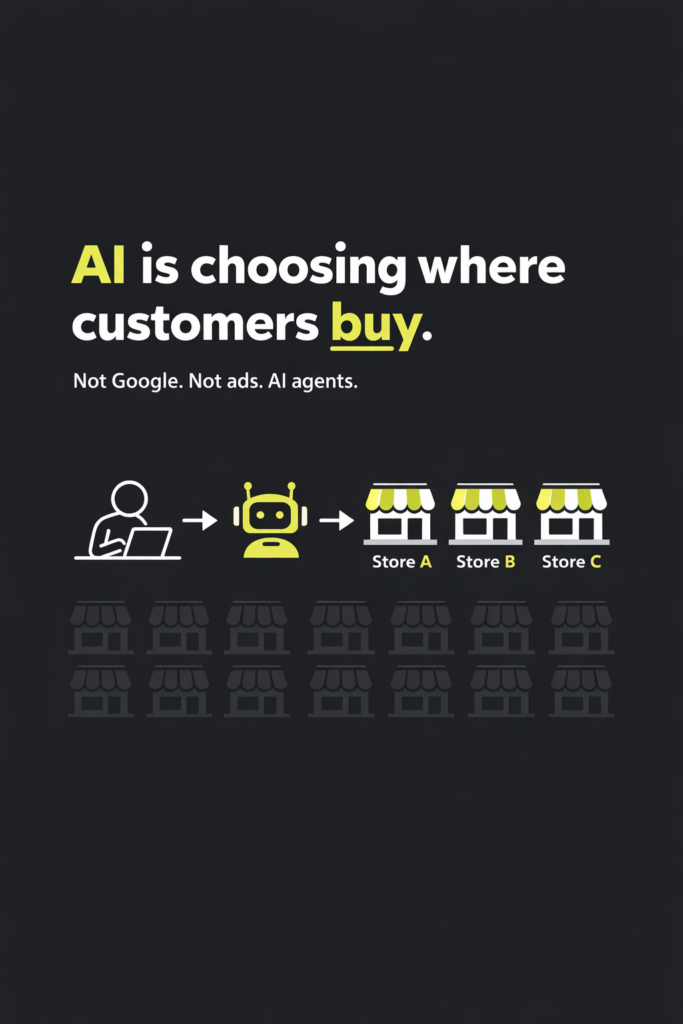
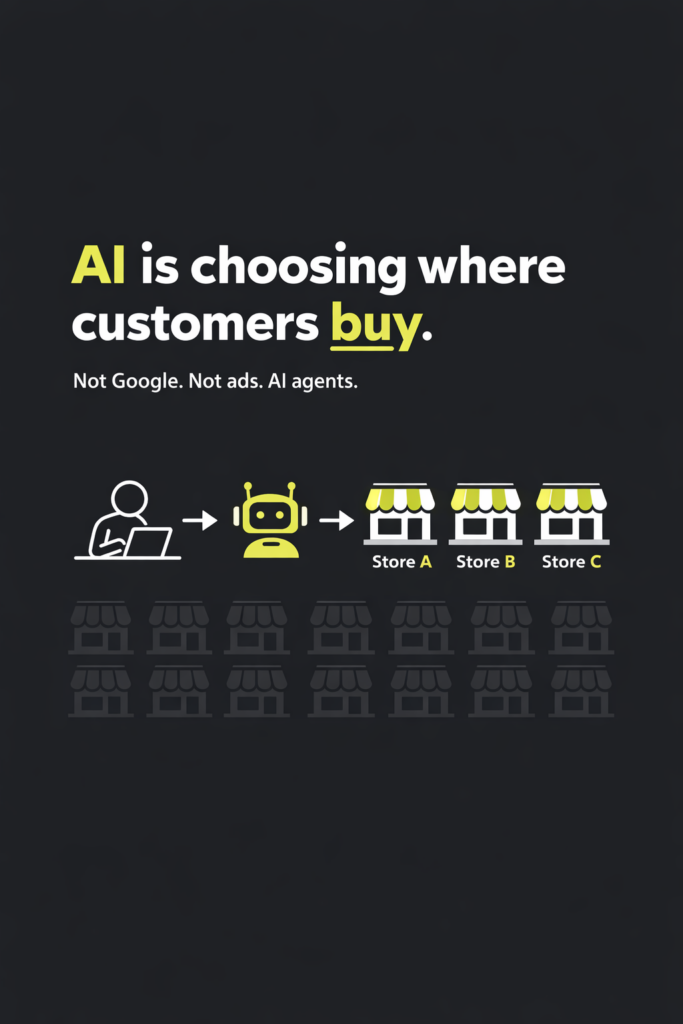
The AI doesn’t hand them ten blue links. It evaluates a dozen stores in the background, filters most of them out, and returns three. Two of those three let the customer buy without ever visiting the store’s website.
Your store is either one of the three, or it’s one of the dozen that got filtered out. And most owners have no idea which.
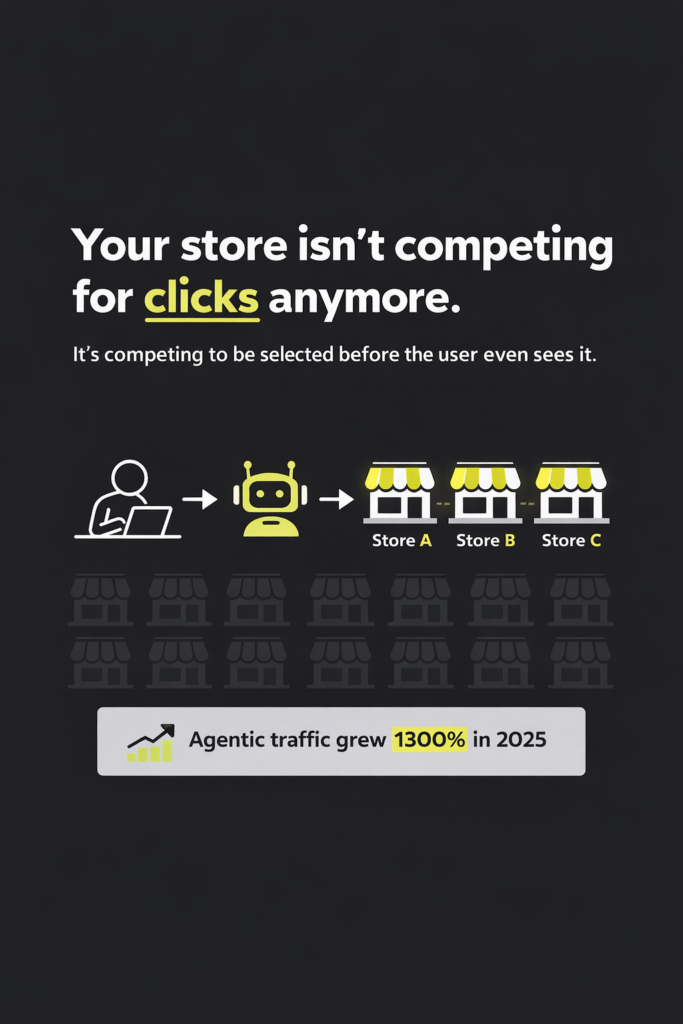
That filtering is happening right now, at scale, and it’s growing fast. Agentic web traffic grew 1,300% in the first eight months of 2025, and Google’s SAGE research found that AI agents take an average of 4.9 steps per query — searching, comparing, and evaluating across multiple sources before delivering a result. Shopify reports that AI-attributed orders on its platform grew 11x between January 2025 and January 2026.
This post breaks down what agentic search actually means for an ecommerce store owner, and the practical steps you can take on WooCommerce or Shopify to stop being invisible to the agents doing the shopping.
What agentic search actually is (in plain terms)
There are three distinct things people lump together:
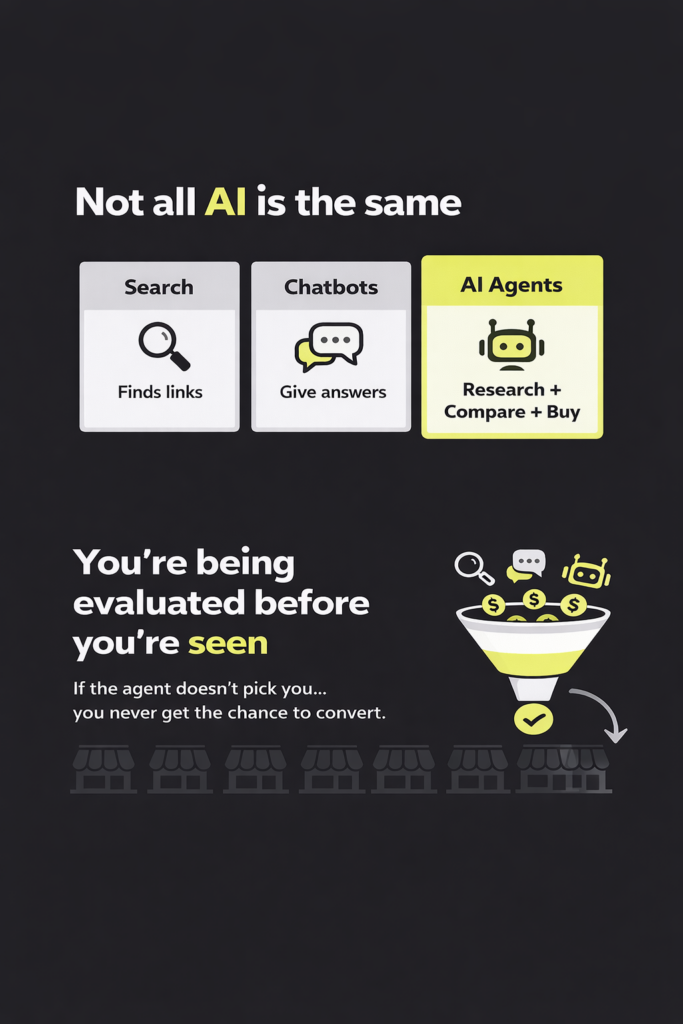
- Search engines retrieve links based on what you typed.
- AI chatbots generate an answer from what they already know.
- AI agents research across multiple sources, compare options, make judgment calls, and increasingly take action — like adding to cart or completing checkout.
Agentic search is AI that retrieves, evaluates, and acts on information on behalf of users. It’s the third category. The agent doesn’t just answer — it works through a problem. It reads your product page, checks reviews on third-party sites, compares your pricing against competitors, and decides whether to recommend you.
The key shift for store owners: the evaluation happens before a human ever sees your store. If the agent doesn’t pick you, you don’t get a chance to convert. You weren’t slow to reply, you didn’t lose on price, you didn’t have a bad product page. You were never in the conversation.
The four things agents test when evaluating your store
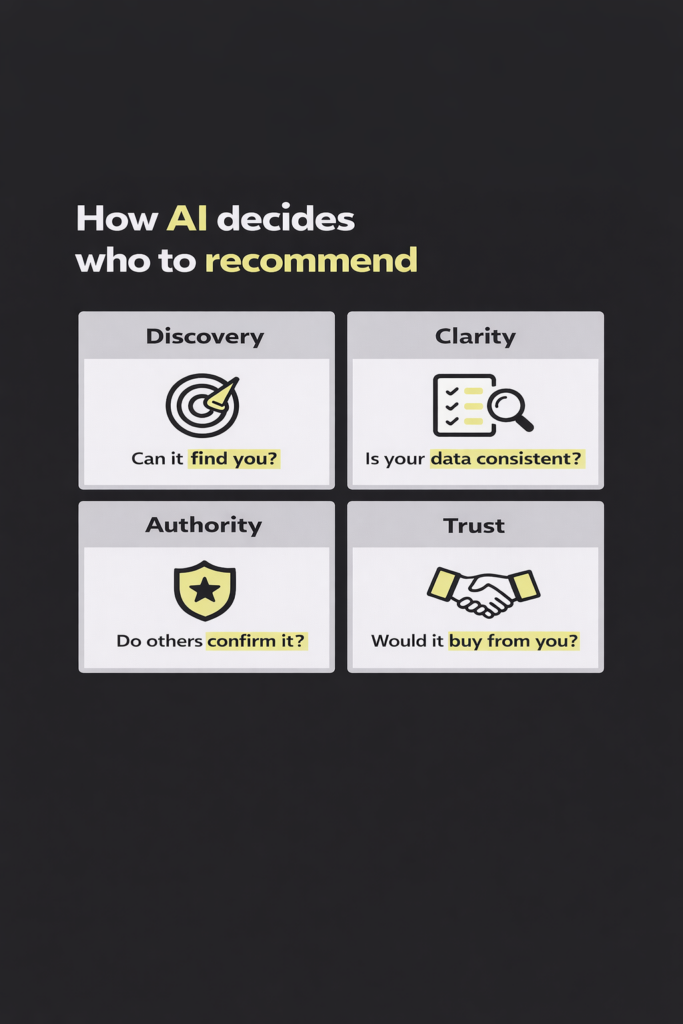
The Semrush team frames this as four pillars of brand visibility: Discovery, Clarity, Authority, and Trust. Here’s what each one means when an agent is looking at a WooCommerce or Shopify store.
Discovery. Can the agent find your products at all? If your catalog isn’t structured in a way agents can parse — or if you’re not listed in the sources they check — you’re invisible from step one.
Clarity. When the agent pulls data about you from your site, Google Shopping, review platforms, and third-party articles, does it get a consistent picture? Contradictions between your product page, your Google Business listing, and your reviews make you harder to recommend.
Authority. Do independent sources back up what you say about yourself? A store claiming “fastest shipping in the category” with no third-party validation gets weighted lower than one with 500 reviews mentioning fast delivery.
Trust. Would the agent actually commit a customer’s money to you? This matters most when the agent is staging a transaction. Reviews, return policies, payment reliability, and brand reputation all factor in.
As the Semrush piece puts it: Discovery gets you found. Clarity gets you understood. Authority gets you considered. Trust gets you chosen.
Why this matters more for ecommerce than for most businesses
Because agentic commerce isn’t theoretical for online stores — the infrastructure is already live.
On Shopify: Shopify’s Agentic Storefronts give merchants out-of-the-box access to major AI channels — ChatGPT, Microsoft Copilot, AI Mode in Google Search, and the Gemini app — managed centrally from the Shopify Admin. If you’re on Shopify and selling to US shoppers, your products may already be discoverable in ChatGPT without you doing anything. Whether they’re being recommended is a different question.
On WooCommerce: WooCommerce 10.3 introduced the first version of the WooCommerce MCP, a protocol that enables AI assistants to interact directly with WooCommerce stores through a standardized approach, with the goal of expanding beyond store management into consumer shopping and checkout — agentic commerce. Combined with Stripe’s Agentic Commerce Protocol (ACP), the plumbing for agent-driven purchases on WooCommerce is being laid right now.
Either way, the technical rails are being built. What separates the stores that win from the ones that get skipped isn’t whether an agent can transact with you. It’s whether it will.
The practical checklist: what to do this quarter
Here’s where to focus, ordered by leverage. You don’t need to do all of this at once, and you don’t need an agency to do most of it.
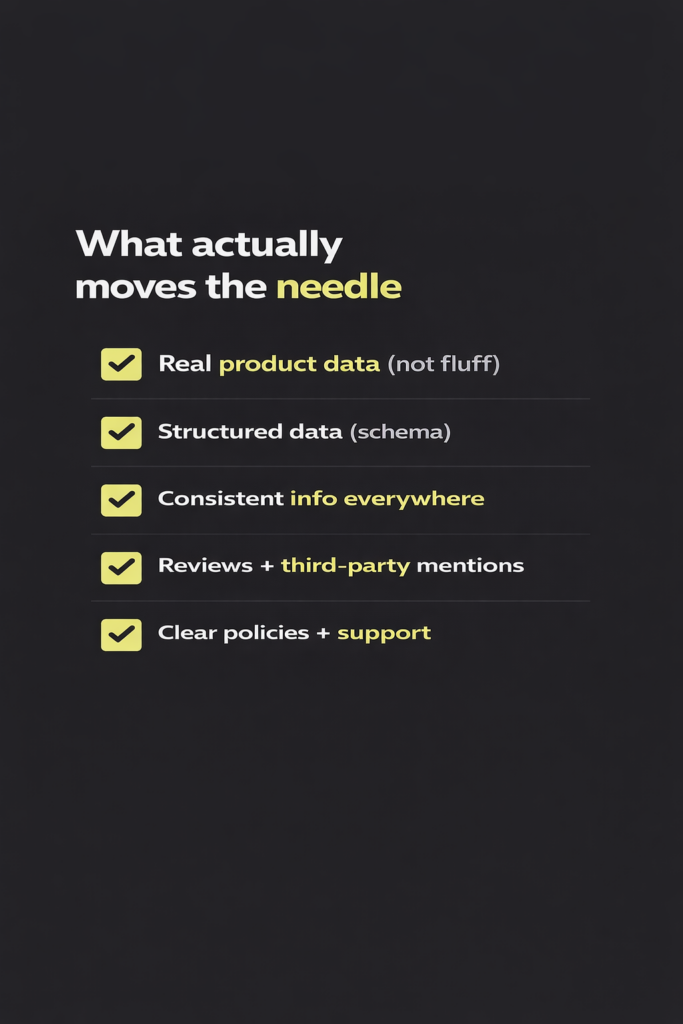
1. Clean up your product data first
This is the single highest-leverage thing you can do, and it helps you on every AI surface and every traditional search engine at the same time.
For each product, make sure you have:
- A clear, specific title (not “Premium Cotton T-Shirt” but “Men’s Organic Cotton Crew Neck T-Shirt — 200 GSM”)
- A description that includes actual specs: materials, dimensions, weight, compatibility, care instructions
- GTIN/EAN, brand, model number, and category
- Accurate, real-time inventory and pricing
- High-quality images with descriptive alt text
Updated guidelines from NRF 2026 recommend titles of 30+ characters, descriptions of 500+ characters, GTIN always populated, and a minimum of 3 additional product images. The principle underneath all of this: literal, factual specs outperform marketing copy in agent ranking. “100% GOTS certified organic cotton, 200 GSM” gets you recommended. “Luxuriously soft premium cotton” gets you filtered out.
2. Add proper structured data
Agents extract Schema.org markup to understand what you sell. Most WooCommerce and Shopify themes ship with basic Product JSON-LD, but they typically miss the fields that matter most: GTIN, aggregate ratings, return policy, shipping details, and FAQ schema.
- On WooCommerce, plugins like Rank Math or Yoast add solid baseline schema. For the gaps, the “Schema & Structured Data for WP & AMP” plugin or a custom implementation covers returns, shipping, and FAQ schema.
- On Shopify, apps like JSON-LD for SEO handle the missing fields. If you’re on Hydrogen, you need to verify your Storefront MCP setup and your schema together.
3. Fix inconsistencies across sources
This is Brand Clarity. Pull up your store, your Google Business Profile, your Facebook shop, your listings on any marketplaces, and any review site you appear on. Check:
- Business name, address, phone (NAP consistency)
- Return and shipping policy wording
- Product names and categories
- Hours and customer service channels
When an agent synthesizes five sources and three of them contradict each other, you get represented as confusing — and confusing stores don’t get recommended.
4. Build the Authority layer
Agents cross-reference your claims against independent sources. If you say you’re the best in the category but nobody else mentions you, that claim gets discounted. Realistic moves:
- Get listed on category-specific directories and comparison sites in your niche
- Actively collect reviews on Google, Trustpilot, and any platform specific to your industry
- Answer questions on Reddit and Quora in your category, with your store as context in your profile (not as a pitch in the answer)
- Pursue a small number of genuine press or blog mentions per quarter
5. Own the Trust layer through reviews and policy clarity
Agents pull heavily on reviews and sentiment before committing to a recommendation, especially when a transaction is on the line. Practical checks:
- Do you have at least 50 reviews on Google or your primary review platform? More importantly, are you responding to them?
- Is your return policy stated in plain language, on its own page, linked from the footer and the product page?
- Are your shipping timelines visible before checkout, not after?
- Is your contact information real, visible, and responsive?
This is also where an AI customer support agent helps directly — not just because it handles tickets, but because 24/7 responsiveness and clear, accurate answers feed the trust signals agents use to evaluate you.
6. Platform-specific: make sure you’re on the agentic rails
Shopify stores: Check your admin for Agentic Storefronts. If you are eligible, your products are in Shopify Catalog, and you sell to US shoppers, then your products are automatically discoverable in ChatGPT. For Copilot and Google, go to Settings > Sales Channels, and toggle direct checkout on or off per channel. If you’re outside the US, watch for the rollout — it’s expanding.
WooCommerce stores: Update to WooCommerce 10.3 or later to get MCP support. If you use Stripe, prepare for ACP rollout — WooCommerce is a launch partner for Stripe’s Agentic Commerce Suite, so Woo merchants will be among the first to benefit when it rolls out. In the meantime, getting your product feed into Google Merchant Center with complete attributes gets you into Google’s AI Mode surfaces regardless of platform.
The shift in how to think about your store
Traditional SEO aims at a human scrolling results and clicking a link. Agentic search aims at a machine reading your site on that human’s behalf and deciding whether to bring them to you at all. The skills transfer — structured data, clean content, authority, reviews — but the emphasis shifts from “persuade the visitor” to “be legible to the evaluator.”
The store owners who get this right now will be the ones agents recommend first when the rollout is complete. The ones who wait will spend the next two years wondering why their traffic is dropping while a competitor’s isn’t.
The good news: most of this isn’t a rebuild. It’s product data hygiene, schema markup, review collection, and a few platform-level toggles. The kind of work a focused afternoon handles for a small store, and a focused month handles for a large catalog.
If you run a WooCommerce or Shopify store and want to know where you actually stand on the four pillars — what agents can already see about your store, where you’re exposed, and which fixes will move the needle fastest — submit your store at bizdomly.xyz/free-audit. We’ll send back a personalized audit within 24 hours, no call required.